Try all 36 resume designs on your own content
A resume template is only useful if you can fill it with your own details and see the result. The builder above does exactly that: the design buttons in the first box apply any of the 36 layouts to your text at once, and you can change the colour as well. Nothing needs to be retyped.
Every design also has its own page with a preview image, who it suits and when to pick something else. Use the gallery and table below to compare them, or open the focused guides for ATS, fresher, teacher, modern, simple and professional resumes.
Resume template guides
Each guide shows a design preview and explains who it suits.
All 36 resume template designs
Tap any preview to open that design on its own page.
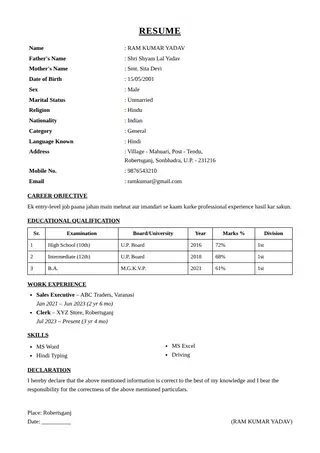 Classic
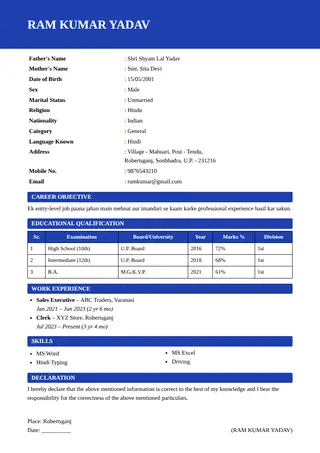 Modern Band
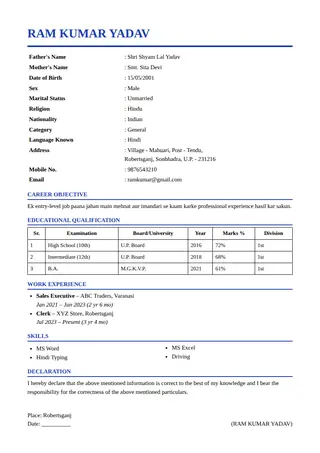 Clean Line
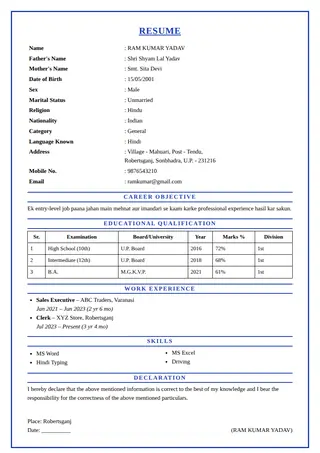 Boxed
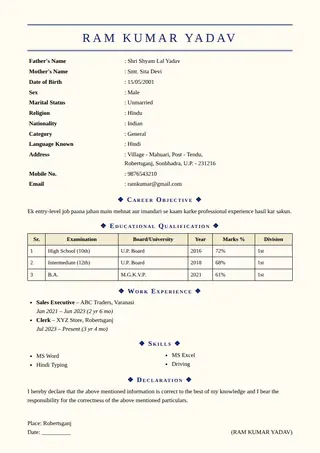 Elegant
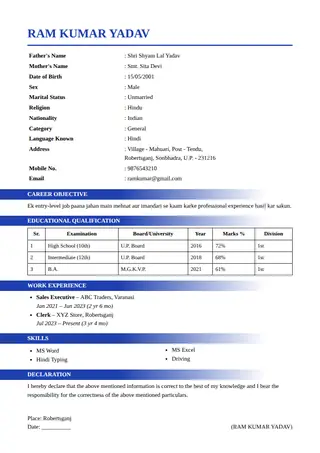 Ribbon
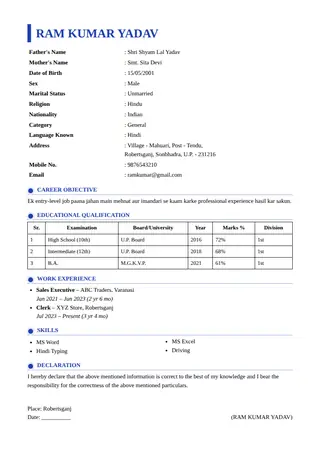 Timeline
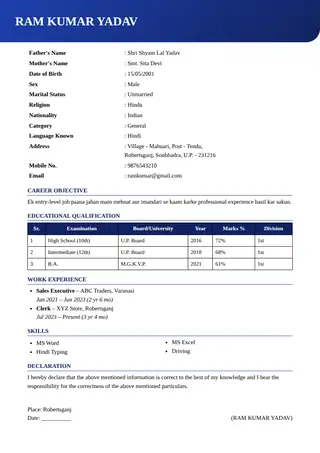 Gradient
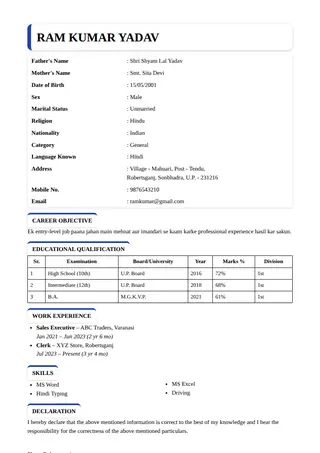 Card
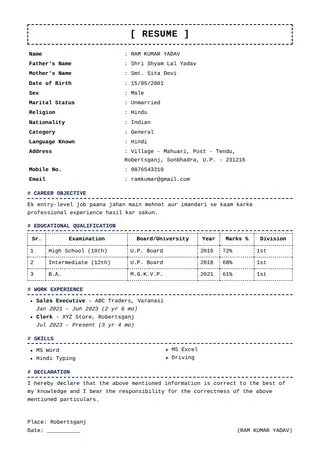 Typewriter
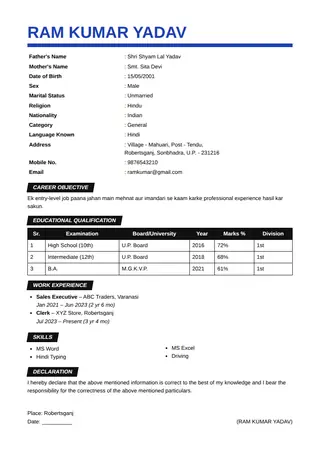 Poster
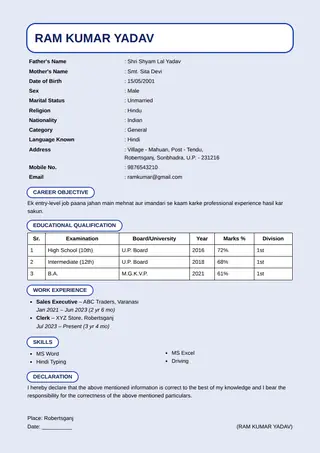 Pastel
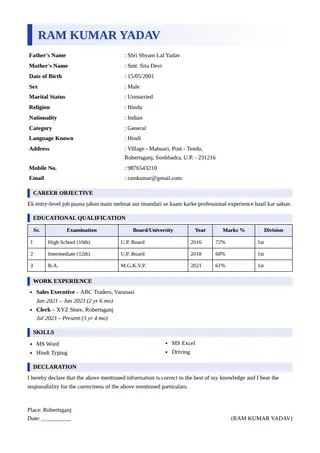 Side Bar
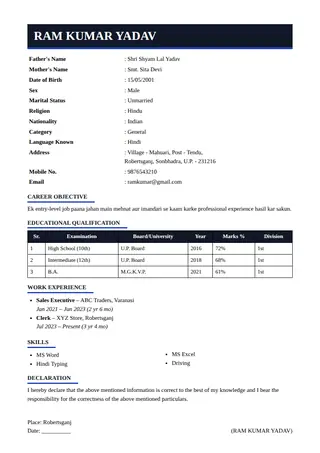 Dark Header
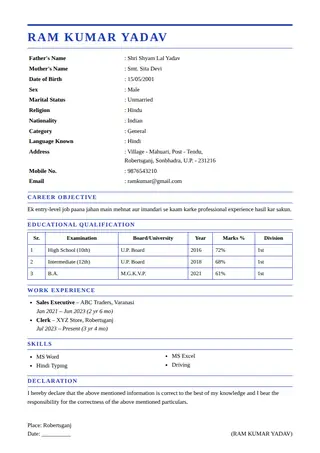 Double Rule
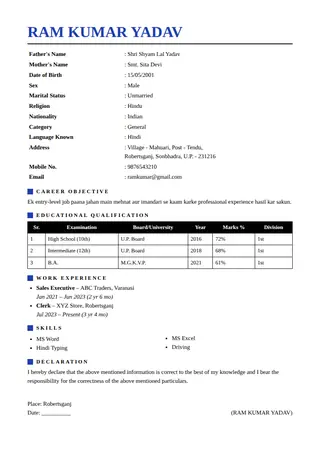 Big Name
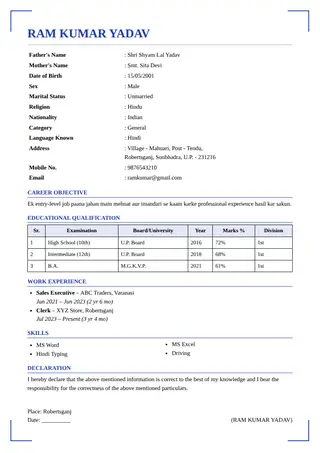 Corner Frame
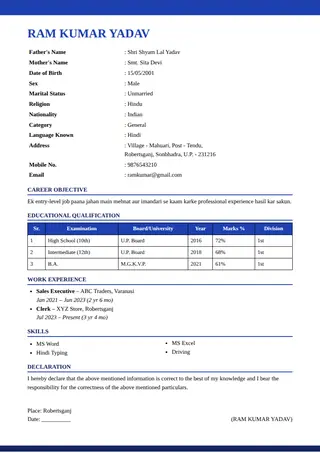 Stripe
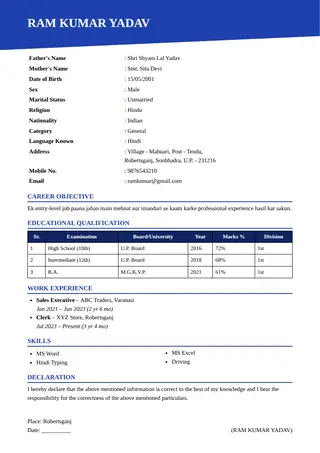 Diagonal
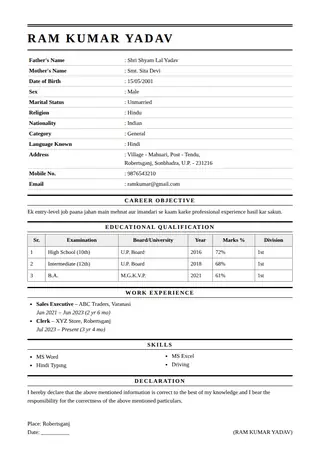 Newspaper
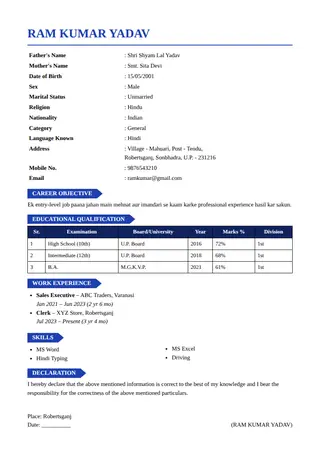 Tag Label
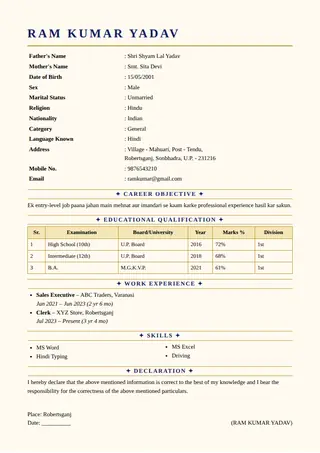 Royal Gold
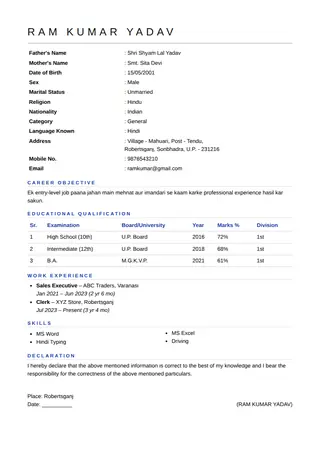 Minimal
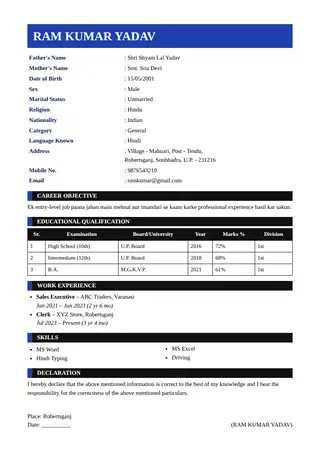 Bold Block
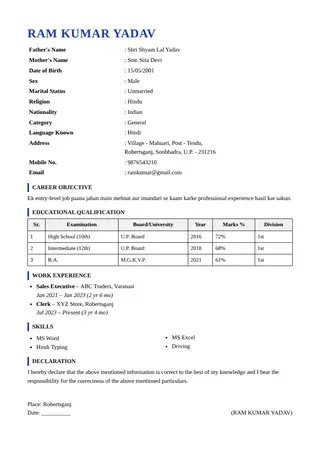 Left Rule
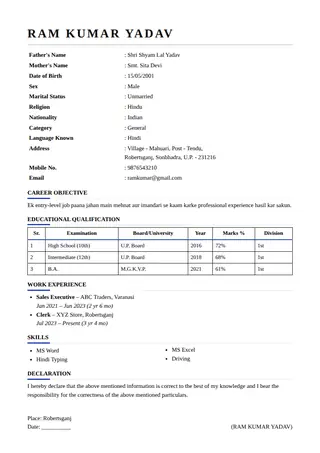 Underline Heads
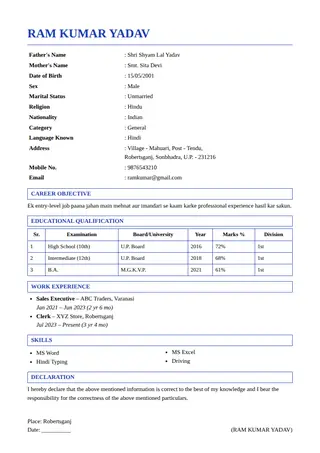 Boxed Heads
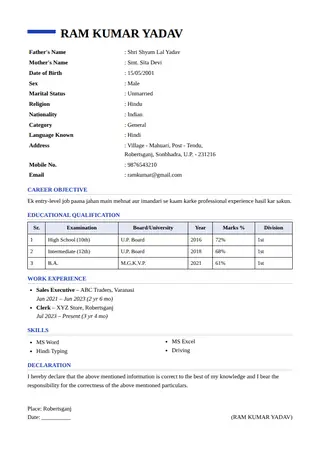 Top Tab
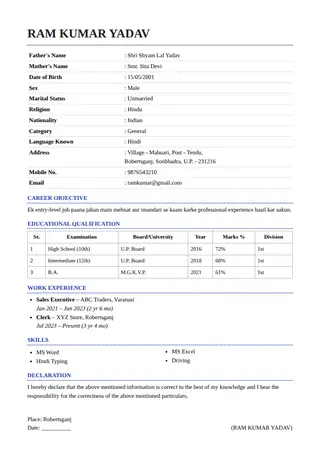 Dotted
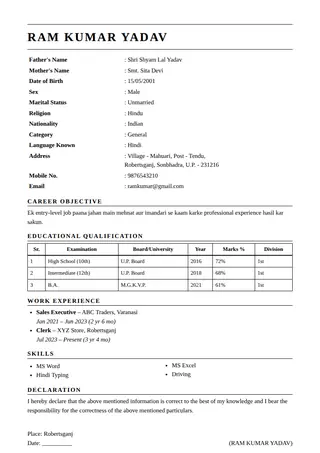 Serif Classic
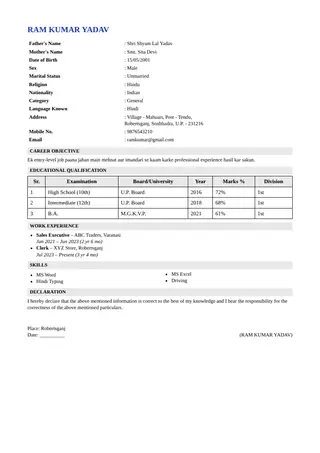 Compact Pro
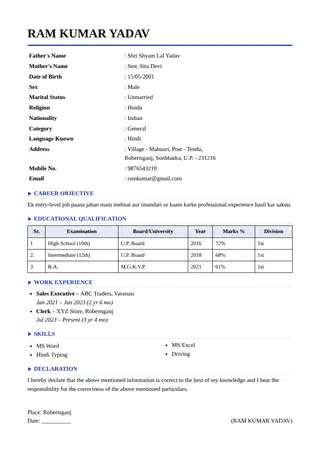 Arrow Heads
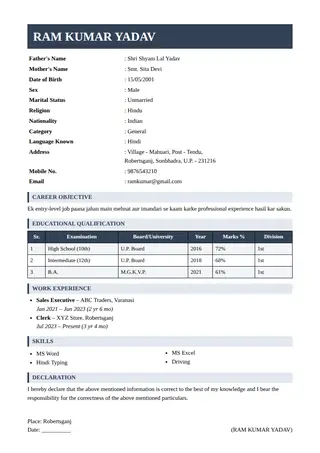 Slate
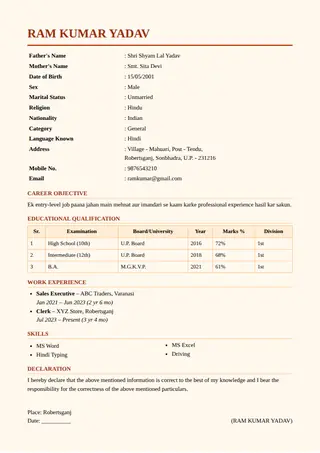 Warm Cream
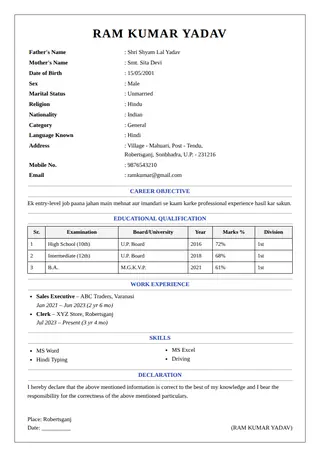 Thin Frame
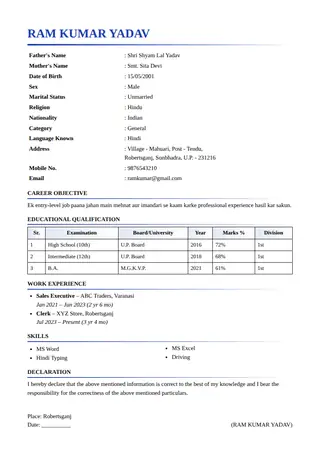 Gradient Rule
The designs at a glance
| No. | Design | Best for | Plain structure |
|---|---|---|---|
| 1 | Classic | Government, bank and office applications | Yes |
| 2 | Modern Band | Freshers applying to corporate entry-level roles | Decorative |
| 3 | Clean Line | Almost any job, from office roles to engineering | Yes |
| 4 | Boxed | Formal applications and forms | Decorative |
| 5 | Elegant | Teachers, lecturers and school administrators | Decorative |
| 6 | Ribbon | Sales and service roles | Decorative |
| 7 | Timeline | Experienced candidates with several jobs | Decorative |
| 8 | Gradient | Marketing, design and start-up applications | Decorative |
| 9 | Card | Students and freshers | Decorative |
| 10 | Typewriter | Developers and IT roles | Yes |
| 11 | Poster | Sales and marketing roles | Decorative |
| 12 | Pastel | Education, childcare and creative roles | Decorative |
| 13 | Side Bar | Freshers with education, projects and skills only | Yes |
| 14 | Dark Header | Corporate and technology roles | Decorative |
| 15 | Double Rule | Finance, legal and administrative roles | Yes |
| 16 | Big Name | Candidates who want their name to be remembered | Yes |
| 17 | Corner Frame | Formal and ceremonial documents | Decorative |
| 18 | Stripe | Corporate and marketing roles | Decorative |
| 19 | Diagonal | Creative and design roles | Decorative |
| 20 | Newspaper | Lawyers, lecturers and writers | Yes |
| 21 | Tag Label | Students and freshers | Decorative |
| 22 | Royal Gold | Marriage biodata and formal documents | Decorative |
| 23 | Minimal | Developers, designers and consultants | Yes |
| 24 | Bold Block | Sales and operations roles | Decorative |
| 25 | Left Rule | Professionals who want a light colour accent | Yes |
| 26 | Underline Heads | Marketing, HR and administration roles | Yes |
| 27 | Boxed Heads | Government and institutional applications | Decorative |
| 28 | Top Tab | Freshers and students | Decorative |
| 29 | Dotted | Teachers, tutors and creative educators | Decorative |
| 30 | Serif Classic | Lecturers, researchers and post graduates | Yes |
| 31 | Compact Pro | Experienced candidates with long work history | Yes |
| 32 | Arrow Heads | Operations, sales and administrative roles | Decorative |
| 33 | Slate | Corporate, IT and finance roles | Decorative |
| 34 | Warm Cream | Teachers, writers and traditional professions | Decorative |
| 35 | Thin Frame | Formal applications and certificates | Decorative |
| 36 | Gradient Rule | Marketing, design and technology roles | Decorative |
How to choose a resume template
Pick the design for the reader, not for yourself. Banks, government offices and large companies prefer plain, single-column layouts. Creative and start-up roles can use bolder designs. If you are unsure, start with Classic or Clean Line and see how your content looks. Colours can be changed at any time, and a design that prints well in black and white is a safe choice.
Frequently asked questions
Are the resume templates free?
Yes. All 36 designs are free to use, with no signup, and you can switch between them as often as you like.
Can I edit the resume template online?
Yes. Every field is editable and the preview updates as you type. Use Print / PDF Save to download the result as a PDF.
Which resume template is best for freshers?
A simple, readable design such as Side Bar, Card or Clean Line works well. See the fresher resume template page.